插件使用指南
更新时间:2018-07-30 18:15:53
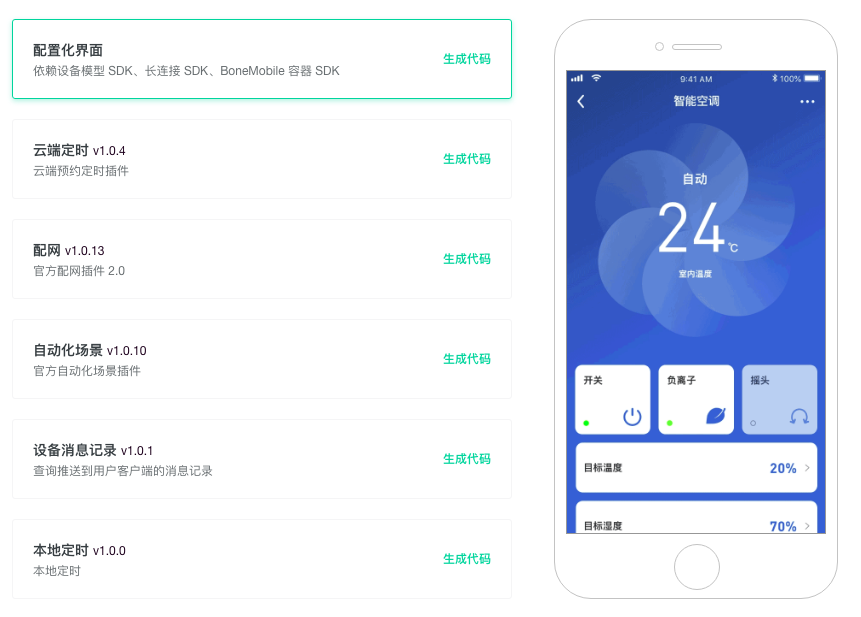
平台为了让您更快搭建自有品牌App,提供了免开发的App页面插件,通过简单的调用即可呈现一个完整功能。
平台当前提供的插件包括:配网页面(支持WiFi、以太网、蜂窝网)、配置化界面、云端定时、本地定时、场景自动化、消息列表。
使用步骤
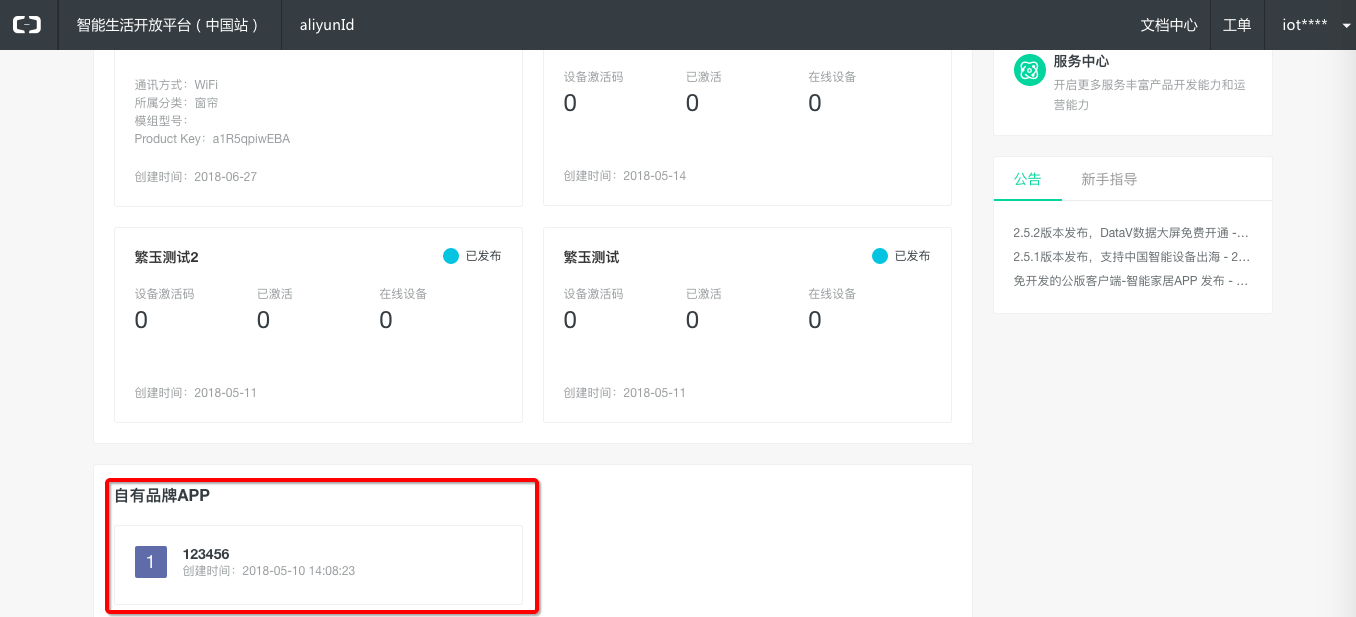
1. 进入项目主页,点击进入自有品牌App配置页面
2. App界面配置

3. 选择插件,点击生成代码
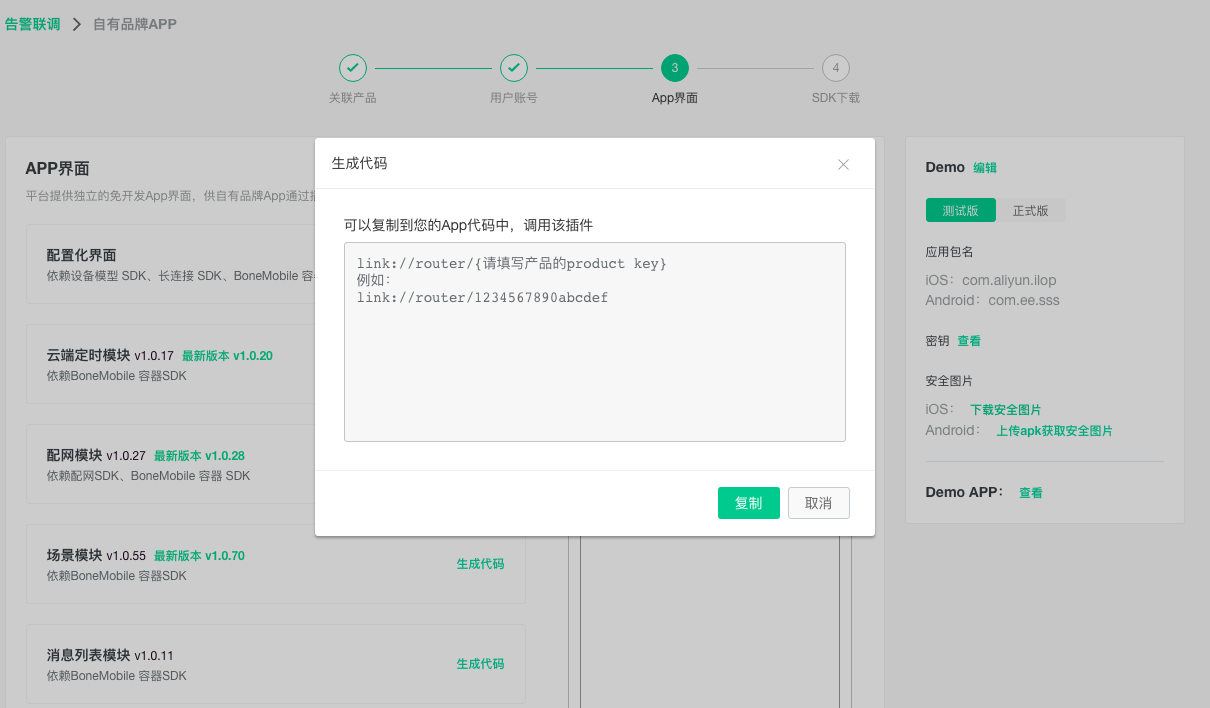
4. 复制插件路由代码,粘贴到您的App中调用
代码示例
Android端
import android.os.Bundle;
import com.aliyun.iot.aep.component.router.Router;

...

String code = "link://plugin/a123W3vvmO2IMDi1";
Bundle bundle = new Bundle();
Router.getInstance().toUrlForResult(getActivity(), code, 1, bundle);
IOS 端
#import <IMSBoneKit/IMSRouter/IMSRouter.h>
[[IMSRouterService sharedService] openURL:[NSURL URLWithString:@"跳转的url"] options:nil];

...

NSURL *url = [NSURL URLWithString:@"link://router/connectConfig"];
    [[IMSRouterService sharedService] openURL:url options:options completionHandler:^(BOOL success) {
        if (!success) {
            [self ims_showHUDWithMessage:[NSString ls_loadFailed]];
        }
    }];
注:每个插件依赖一些SDK,也请确保在“SDK下载”中获得这些SDK。